Plan it. Build it.
LucidCode is an agentic AI coding agent that reads your codebase, plans an approach, then writes and edits code from your command line. Powered by LucidQuery AGI 01.
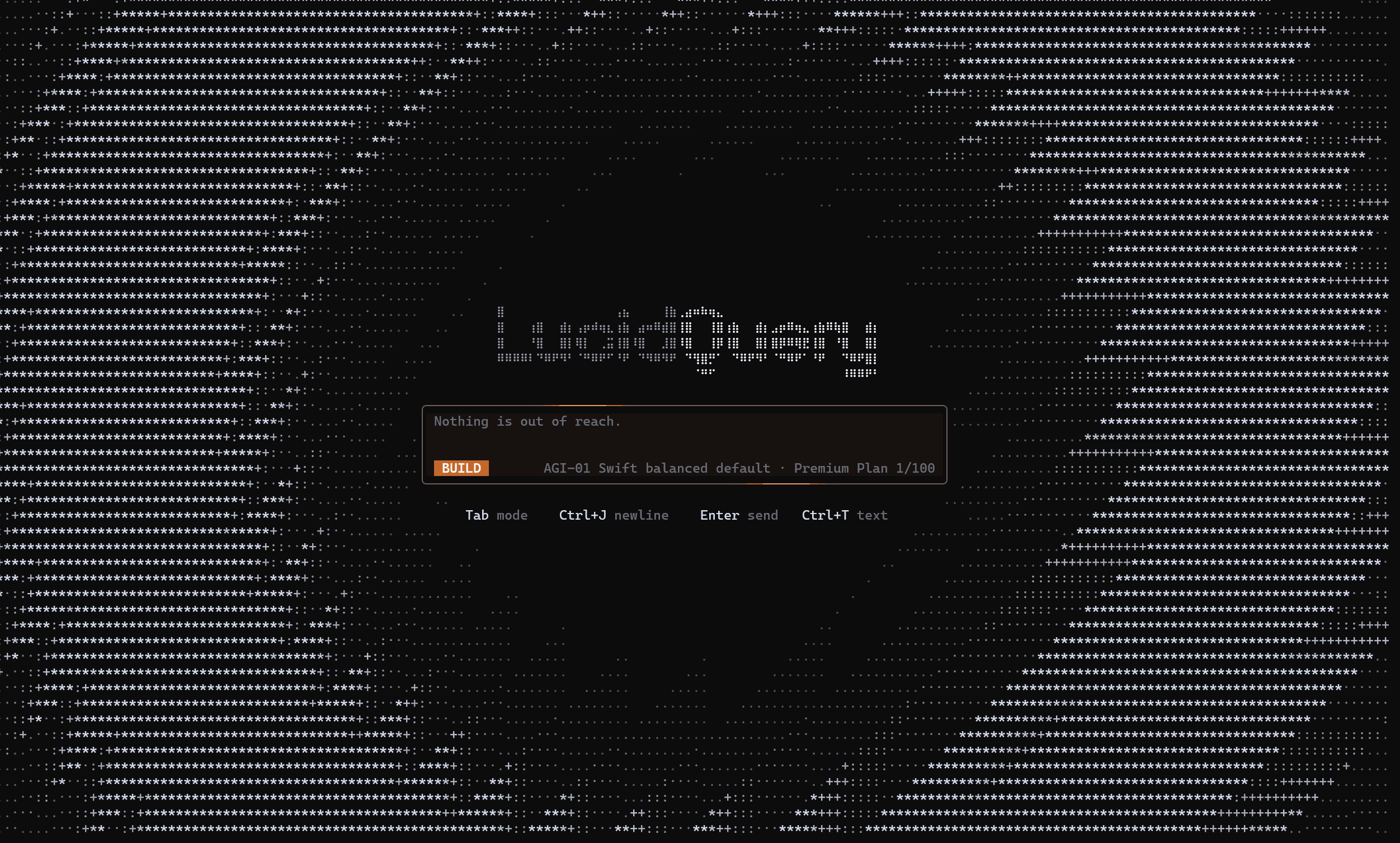
Node 22+ · macOS · Linux · Windows · dependency-free
Think first. Then change everything.
LucidCode separates deciding what to do from doing it. Plan reasons in read-only; Build carries it out. Press Tab to move between them.
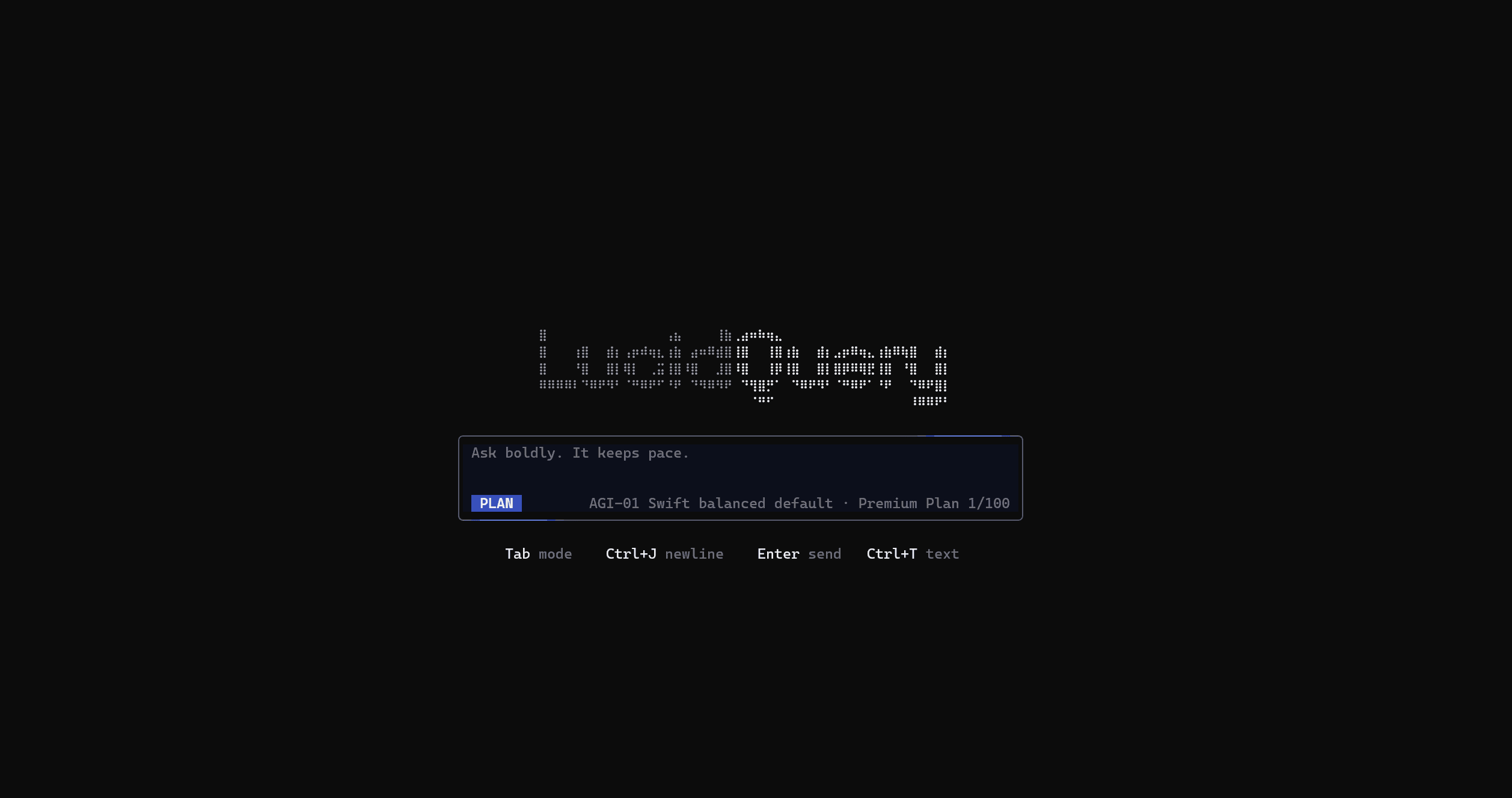
It maps the change before touching a line.
LucidCode explores your codebase, reasons about the change, and lays out the steps it intends to take. Nothing is written until you are satisfied with the plan.
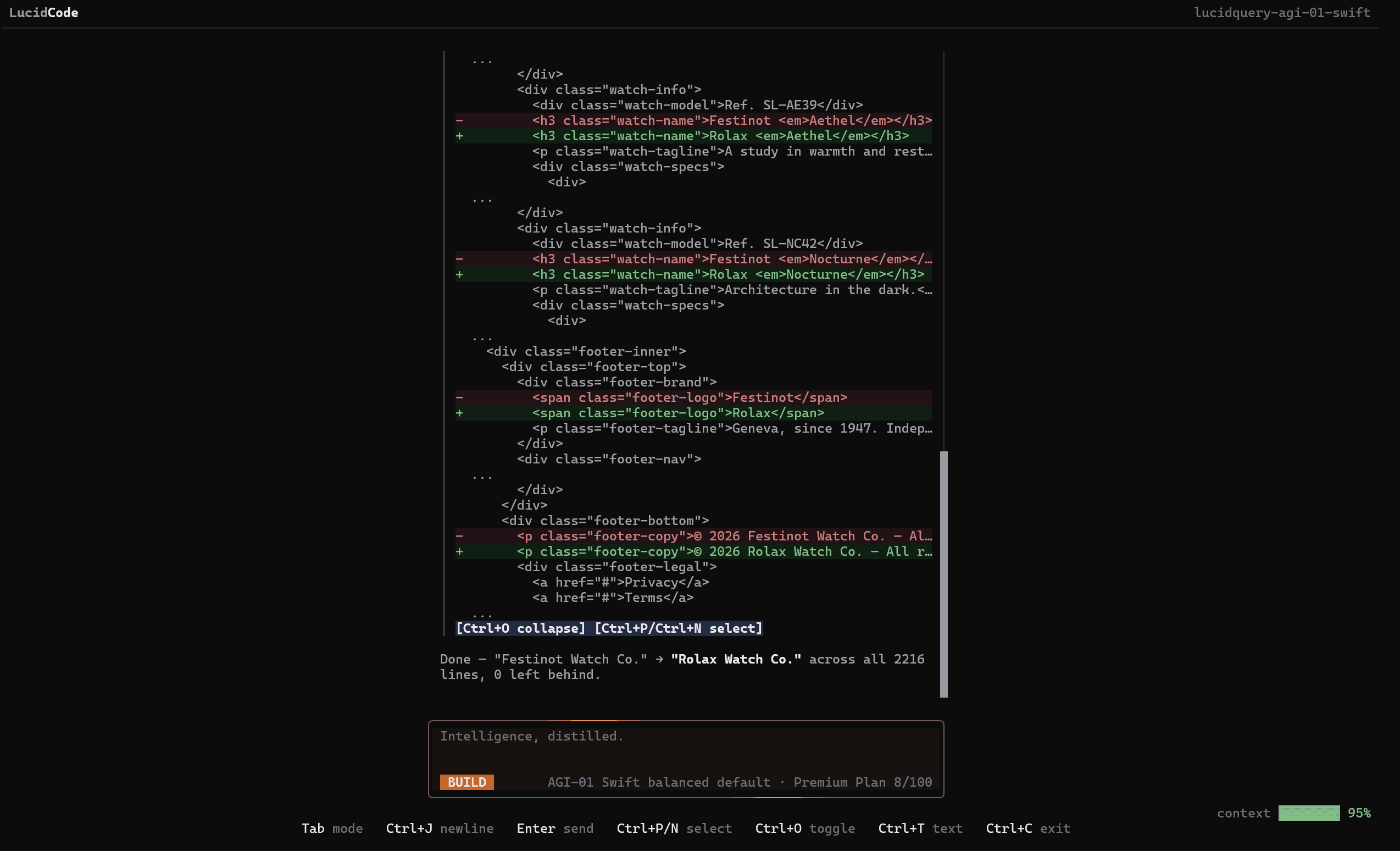
Every edit lands as a diff you can review.
Build mode writes and edits files, runs tools, and presents each change as a unified diff before it lands. You see exactly what changed, and approve on your terms.
Plan · Build
Built to do the work.
If you already live in the terminal, LucidCode fits your workflow: no context switching, no browser tab, just an agent that follows through.
Agentic, not autocomplete
A real tool loop: it reads files, searches the repo, runs commands, and applies edits as reviewable diffs, not a suggestion you have to babysit.
Two focused modes
Plan is read-only and proposes an approach. Build writes, edits, and runs. Press Tab to toggle: think first, then ship.
Powered by AGI 01
Runs on LucidQuery AGI 01, built for real coding work: reading large repos, reasoning across files, and writing code that fits the project.
You stay in control
Approval modes gate every tool call, only the risky ones, or none. The default keeps you in the loop without slowing you down.
Clean, fast install
A dependency-free runtime with no native build step. It installs in seconds and runs anywhere Node 22 runs.
Lives in your terminal
No browser tab, no context switch. LucidCode is scoped to the directory you launch it in and never touches files outside it.
6 reasons
A real toolbelt, out of the box.
LucidCode ships with the tools an agent actually needs to work a repo: filesystem, shell, search, and the live web, all wired into the same OpenAI-compatible tool loop.
You decide what runs.
- fullAllow every tool call automatically. Maximum flow, for throwaway work and trusted repos.
- balancedAuto-run read and search tools; ask before shell commands, network calls, and file edits. The default.
- strictAsk before every single tool call. Nothing runs without your explicit yes.
10 built-in tools
Serious models, under the hood.
LucidCode runs on LucidQuery AGI 01. Pick the tier that fits the task and tune reasoning effort per run, from quick edits to hard, multi-file changes.
AGI Swift
lucidquery-agi-01-swift- Best for
- Everyday coding, fast iteration
- Character
- Quick, balanced, responsive
AGI Frontier
lucidquery-agi-01-frontier- Best for
- Hard problems, deep reasoning
- Character
- Deliberate, thorough, heavy
AGI 01
Up and running in a minute.
Install once
One global install, no native build step, anywhere Node 22 runs.
Launch in your project
Run it in any directory. Connect with /login: free, subscription, or API key.
Plan, then build
Describe the task. Toggle Plan and Build with Tab and review every diff.
Three steps
Good to know.
What is LucidCode?
LucidCode is a terminal-native AI coding agent. It reads your codebase, plans an approach, then writes and edits code through natural language, running entirely from your command line and scoped to the directory you launch it in. It is powered by LucidQuery AGI 01.
How is it different from an autocomplete tool?
LucidCode runs a real agentic tool loop instead of suggesting the next line. It reads files, searches your repo, runs commands, and applies edits as unified diffs you review before they land. Plan mode lets it reason about the change first; Build mode carries it out.
Which models power it?
LucidQuery AGI 01. Use AGI Swift for fast everyday coding or AGI Frontier for harder problems, and tune reasoning effort per run to trade speed for depth.
Is it safe to run on my code?
Yes. Approval modes let you gate every tool call, only the risky ones, or none at all. LucidCode only works inside the directory you launch it in and shows every change as a diff before applying it.
What are the requirements?
Node.js 22 or newer on macOS, Linux, or Windows. The runtime is dependency-free with no native build step, so it installs in seconds.
5 answers
Start coding in the terminal.
Install LucidCode, run it in any project, and let it plan and build alongside you. No browser tab required.
Node 22+ · macOS · Linux · Windows